
TL;DR
- Many Sri Lankan offices still run on box files, ledger books and shared drives. Finding a signed contract, a GRN or an old invoice can take hours.
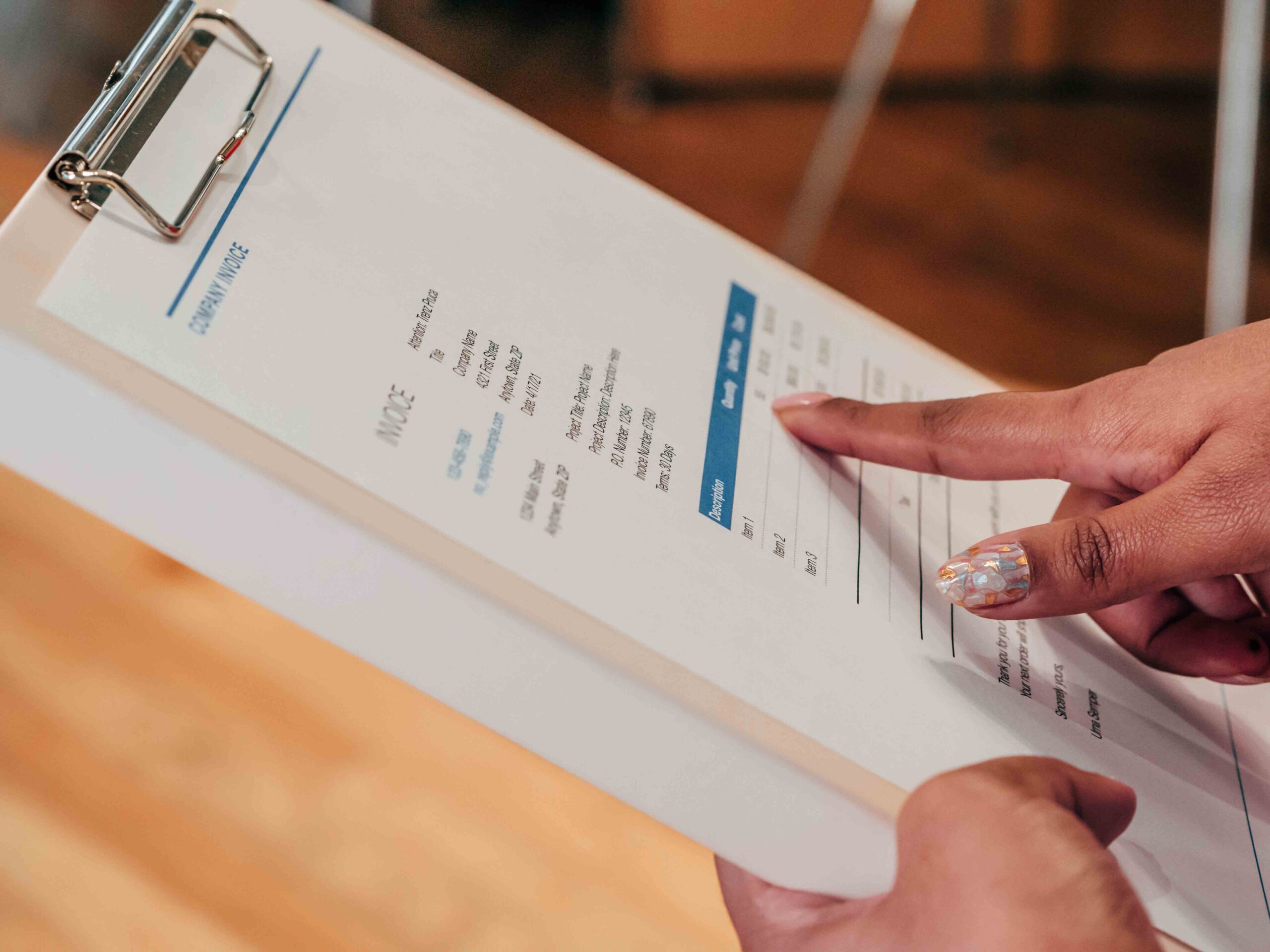
- Start digitising where paper causes the most pain: supplier invoices, GRNs, delivery notes, HR files and contracts.
- A good DMS adds version control, permissions, search, approvals and an audit trail, not just scanning.
- When documents live inside your ERP, they attach to the supplier, customer, employee or order they belong to.
The box-file office
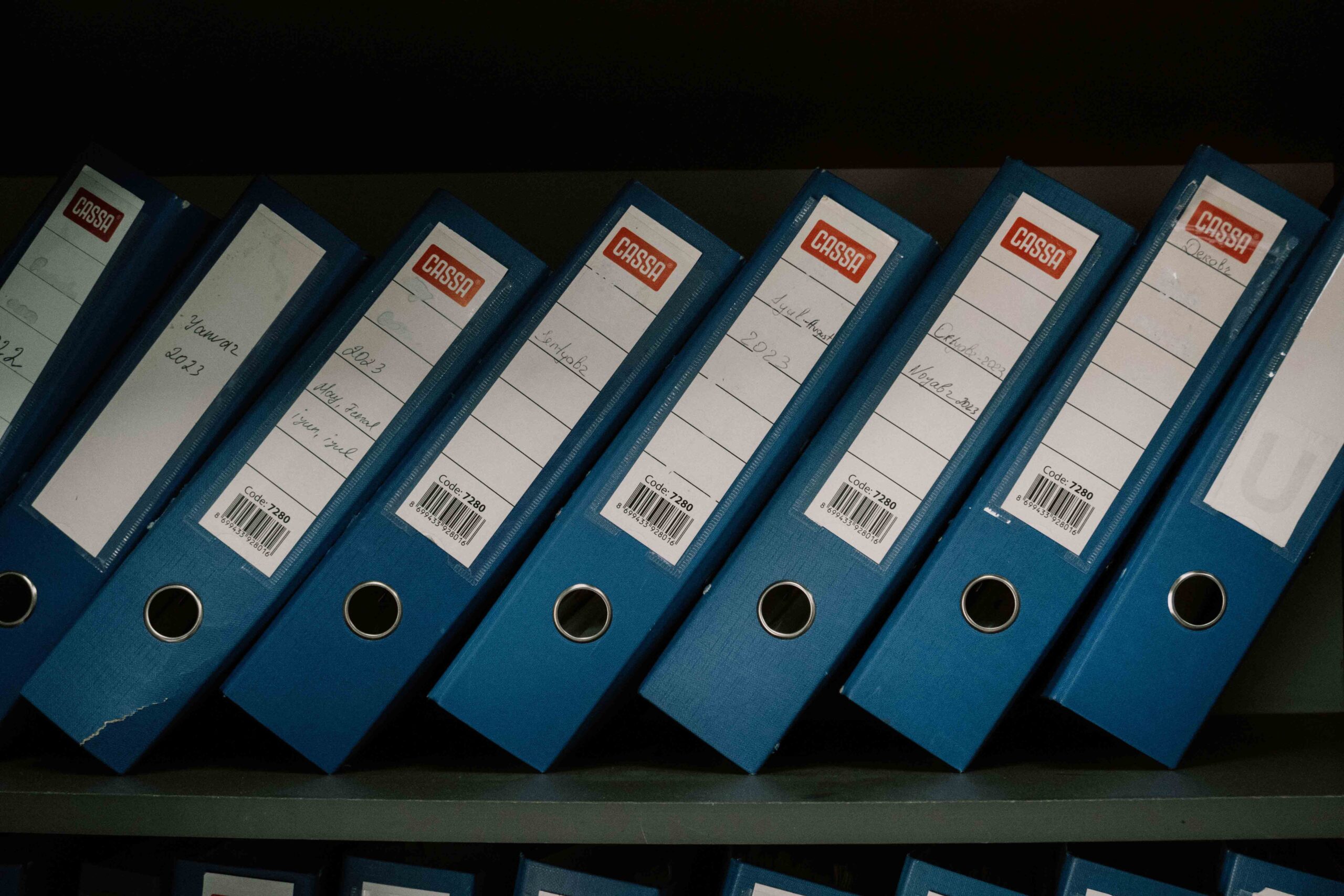
Almost every established Sri Lankan company has a room like this: shelves of box files labelled by year, supplier invoices clipped to GRNs, staff files in a locked cabinet, and cheque books in the safe. Add WhatsApp photos of delivery notes and PDFs scattered across laptops, and finding the right document becomes a daily treasure hunt.
Going paperless isn’t about scanning everything at once. It’s about putting the documents your business depends on into a system where they’re safe, searchable and connected to your work.
What to digitise first
Prioritise documents that are used often, needed for audits or tax, or risky to lose:
| Document | Why start here |
|---|---|
| Supplier invoices | Needed for payments, VAT and withholding tax claims |
| GRNs and delivery notes | Prove goods were received before payment |
| Purchase orders and quotations | Show what was agreed |
| Customer contracts and agreements | Needed for disputes and renewals |
| HR files | Appointment letters, EPF and ETF records, leave and appraisals |
| Import documents | Customs, shipping and LC documents for landed cost |
| Quality and compliance records | Certificates, test reports and audit evidence |
Must-have features
- Capture from scanners, email and mobile phones
- Data reading that pulls key details from invoices and forms
- Indexing by supplier, customer, employee, project or document type
- Full-text search, including scanned documents
- Version control so only the current version is used
- Permissions so HR files and contracts are only seen by the right people
- Approval workflows for invoices, contracts and policies
- Audit trail of who viewed, changed or approved what
- Retention rules for how long documents are kept
- Backup and secure cloud storage
Turning paper into searchable data
Scanning a document gives you a picture. Reading it gives you data. Modern systems use computer vision to read supplier names, invoice numbers, dates and amounts from scans and photos, then create or match records automatically. That’s where the real time saving comes from: fewer documents typed in by hand, and fewer errors.
Permissions, privacy and audit trails
Sri Lanka’s Personal Data Protection Act places responsibilities on organisations that handle personal data, including employee and customer records. A DMS helps by controlling who can see personal data, recording who accessed it, and applying rules for how long it’s kept. Check the latest guidance on PDPA requirements as they apply to your business.
Standalone DMS or DMS inside ERP?
| Standalone DMS | DMS inside ERP | |
|---|---|---|
| Best for | Document-heavy firms such as legal or consultancy | Businesses where documents back up transactions |
| Links to invoices, GRNs and employees | Through integration, if available | Built in |
| Number of systems | One more to manage | None extra |
| Audit trail | Documents only | Documents and transactions together |
For trading, manufacturing and distribution companies, most documents support a transaction. Attaching them to that transaction in the ERP means the invoice, GRN and payment are always together.
Document management in Blue Lotus 360
Blue Lotus 360’s BL11 release includes a Document Management System (DMS), smart search across documents and data, and computer vision and document processing to read invoices and other paperwork. Because it’s part of the ERP, documents attach to the supplier, customer, employee or order they belong to, with role-based permissions and audit trails.
See the Blue Lotus 360 platform for the full list of BL11 features.
A practical way to start
- List the five document types that cause the most pain today.
- Agree naming, indexing and access rules for each.
- Start capturing new documents digitally from a set date.
- Scan older documents only where they’re still needed.
- Train staff, and stop accepting paper-only processes for those document types.
- Review after three months and add the next set of documents.
Paperless, with control
The aim isn’t a paper-free office for its own sake. It’s faster answers, safer records and easier audits. Start with the documents that matter most, keep them connected to the work they support, and the box files will empty themselves over time.
Talk to our team about bringing documents and transactions together in Blue Lotus 360.
FAQs
What is a document management system?
Software that captures, stores, organises and controls business documents, with search, permissions, version history and an audit trail.
What documents should a business digitise first?
Those used most often or needed for audits and tax: supplier invoices, GRNs, purchase orders, contracts, HR files and import documents.
Can a DMS read scanned invoices?
Modern systems with computer vision can read key details such as supplier, invoice number, date and amount from scans and photos.
Does a DMS help with data protection?
Yes. It controls who can see personal data, records access and applies retention rules, which supports compliance with data protection laws.
Should my DMS be part of my ERP?
If most documents support transactions such as purchases, sales, payroll and imports, a DMS inside the ERP keeps them linked automatically.