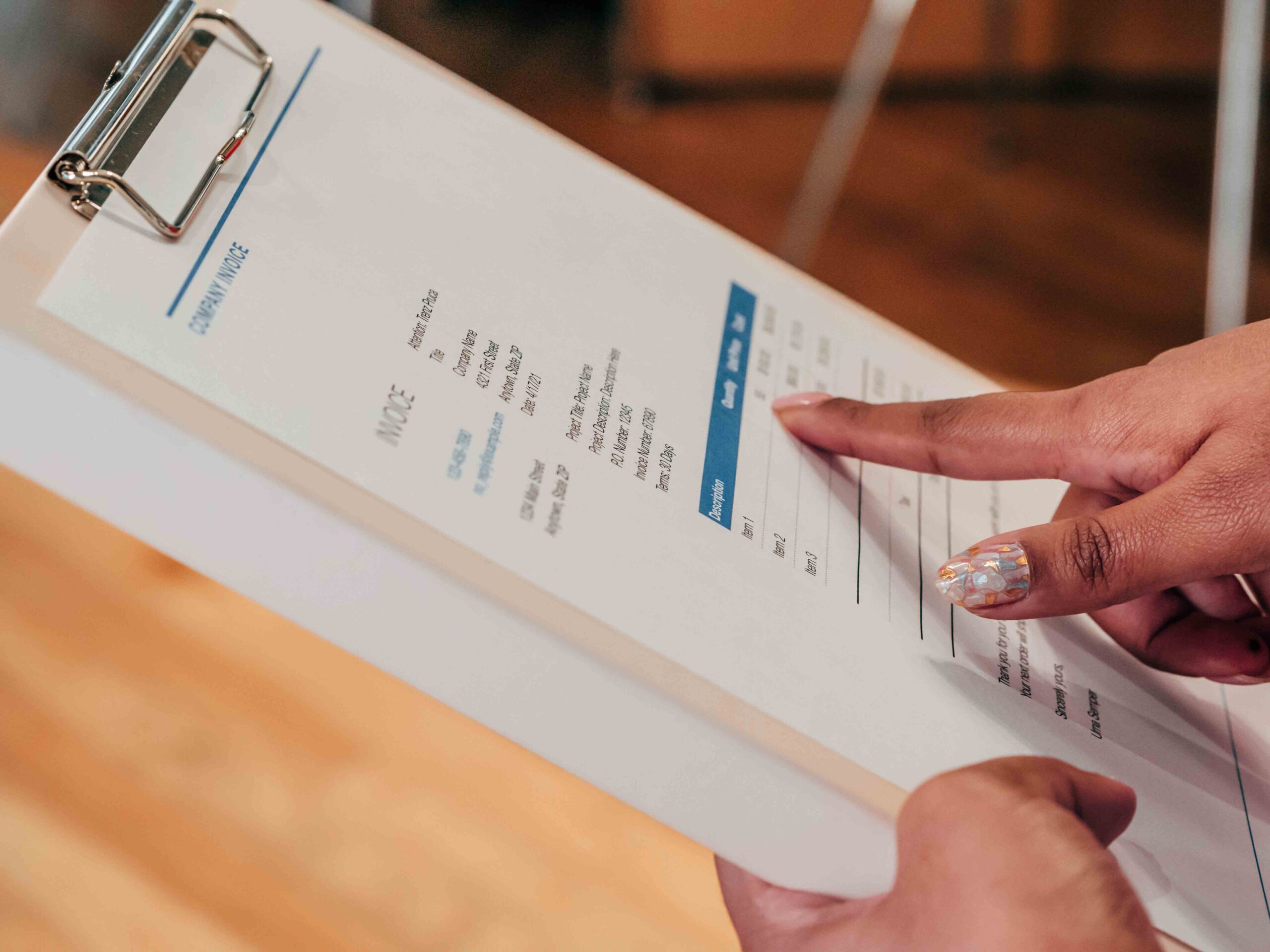


TL;DR
- Most new businesses in Sri Lanka register as a private limited company through eROC, the Registrar of Companies’ online system.
- The core steps are name approval, then Forms 1, 18 and 19 with your Articles of Association, government fees and a digital Certificate of Incorporation.
- Government fees under the July 2026 fee gazette are LKR 2,600 for name approval and LKR 5,200 for private company registration, excluding VAT.
- Since 30 March 2026, new companies must also disclose their beneficial owners to the Registrar.
- After incorporation, you’ll need a TIN, a bank account, EPF and ETF registration when you hire, and VAT registration if you cross the threshold.
Starting your company the right way
Every year, thousands of Sri Lankans turn an idea into a business. A home bakery that’s outgrown the kitchen. A trading firm importing spare parts. An IT services company with its first overseas client. At some point, each of them faces the same question: how do we make this official?
For most, the answer is a private limited company. It separates your personal assets from the business, makes it easier to open accounts and sign contracts, and gives customers and banks more confidence. The good news is that company registration in Sri Lanka is now handled almost entirely online.
This guide walks through each step, the fees, and the things to set up straight after incorporation so you start with clean records from day one.
Which business structure should you choose?
| Structure | Who it suits | Key point |
|---|---|---|
| Sole proprietorship | One owner, small and low-risk | Registered with the local Divisional Secretariat or Provincial Council. No separate legal entity. |
| Partnership | Two or more owners sharing a business | Also registered locally. Partners share liability. |
| Private limited company (Pvt Ltd) | Most growing businesses | Registered with the Registrar of Companies. Limited liability and a separate legal entity. |
| Public limited company | Larger firms raising capital from the public | More disclosure and higher fees. |
This guide covers the private limited company, the most common choice for businesses planning to grow.
What you need before you start
- At least one director
- At least one shareholder
- A company secretary, who must be qualified (an individual or a secretarial firm)
- A registered office address in Sri Lanka
- NIC or passport details for directors, shareholders and the secretary
- Your chosen company name, plus one or two backups
- Details of the beneficial owners, meaning the people who ultimately own or control the company
Step-by-step: registering a company on eROC
Step 1: Reserve your company name
Search for your proposed name on the eROC portal and submit a name reservation. The system checks for duplicates and restricted words. Once approved, you’ll receive a name approval number by email.
Tip: check that a matching .lk domain and social media handles are available before you commit to a name.
Step 2: Create your eROC account
Register on eROC and link the approved name to start the incorporation application.
Step 3: Prepare Forms 1, 18 and 19
Enter the company, director, shareholder and secretary details. eROC then generates the core forms:
- Form 1: the application to register the company
- Form 18: each director’s consent and certificate
- Form 19: the company secretary’s consent and certificate
Step 4: Add your Articles of Association
You can adopt the standard model articles or upload your own. Get advice if you have more than one shareholder and want specific rules on share transfers, voting or dividends.
Step 5: Sign, upload and pay
Sign the forms, upload them as PDFs and pay the government fees online.
Step 6: Declare beneficial ownership
From 30 March 2026, newly incorporated companies must disclose their beneficial owners to the Registrar of Companies, as explained by SimpleBooks. Have these details ready so your incorporation isn’t held up.
Step 7: Receive your Certificate of Incorporation
Once the Registrar accepts your filing, your digital Certificate of Incorporation and company registration number appear in your eROC dashboard.
Company registration fees in Sri Lanka
The Registrar’s fees were updated by Gazette Extraordinary No. 2496/03 dated 6 July 2026, as summarised by VJM Global.
| Item | Government fee (excl. VAT) |
|---|---|
| Company name approval | LKR 2,600 |
| Private company registration (Form 1) | LKR 5,200 |
| VAT | Added at the current rate |
| Company secretary and professional fees | Set by your provider |
Always confirm the current fees on the Department of the Registrar of Companies website before you pay, as the gazette can change.
How long does it take?
There’s no official turnaround published. When your documents are complete and correct, name approval and registration often move within days. Delays usually come from incomplete forms, unsigned consents or missing beneficial ownership details.
What to do after you register
Incorporation is the start, not the finish. Plan these next steps.
- Get a Taxpayer Identification Number (TIN) from the Inland Revenue Department.
- Open a business bank account. Banks will usually ask for your incorporation documents, TIN and directors’ NICs.
- Register for VAT if your turnover crosses the VAT registration threshold. Check the current threshold with the IRD.
- Register for EPF and ETF when you hire your first employee, so contributions start correctly.
- Get sector licences or approvals if your business needs them, for example for food, imports or manufacturing.
- Set up your accounting from day one, with a proper chart of accounts, invoicing and expense records.
Why your systems matter from day one
Many new companies start with spreadsheets and a shoebox of receipts, then spend months untangling them when the auditors, the IRD or an investor asks for figures. Starting with a proper system saves that pain.
From the first invoice, you want:
- VAT and withholding tax applied correctly
- Expenses and supplier bills recorded with documents attached
- Bank transactions reconciled each month
- Payroll with EPF, ETF and APIT calculated once you have staff
- Stock tracked if you sell physical products
Blue Lotus 360 is a cloud ERP that grows from a start-up’s accounting needs to full operations across finance, inventory, sales, procurement and HR. Our guide to accounting software in Sri Lanka explains what to look for, and our ERP for small businesses guide shows when a business is ready for more.
Ready to build your business?
Registering a company in Sri Lanka is simpler than it used to be. Reserve your name, file Forms 1, 18 and 19 on eROC, declare your beneficial owners, pay the fees and receive your certificate. Then set up tax registrations, banking and a proper accounting system so your new company starts on solid ground.
Talk to our team about setting up your accounts and operations on Blue Lotus 360 from day one.
FAQs
How do I register a company in Sri Lanka?
Reserve your company name on eROC, prepare Forms 1, 18 and 19 with your Articles of Association, declare your beneficial owners, pay the government fees and receive your digital Certificate of Incorporation.
How much does it cost to register a company in Sri Lanka?
Under the July 2026 fee gazette, government fees are LKR 2,600 for name approval and LKR 5,200 for private company registration, excluding VAT. Company secretary and professional fees are extra.
Do I need a company secretary?
Yes. Every company needs a qualified company secretary, which can be an individual or a secretarial firm.
Can a company have just one director?
Yes. A private limited company can be registered with one director and at least one shareholder.
What is beneficial ownership disclosure?
Since 30 March 2026, newly incorporated companies must tell the Registrar who ultimately owns or controls them, in addition to the usual director and shareholder details.