
A site manager checking stock levels from a supplier’s van. A finance director approving an invoice between meetings. A sales rep pulling up a customer’s order history standing in a car park before a client visit. None of that needed a laptop five years ago, but it does now unless the ERP behind it works properly on a phone.
TL;DR
- Mobile ERP means using your ERP system’s real functions on a phone or tablet, not just a stripped-down dashboard.
- The genuinely useful bit is approvals, stock checks and customer lookups on the spot, not vague “productivity” claims.
- Offline access matters more than most buyers think to ask about, since patchy signal shouldn’t mean lost work.
- Mobile versions rarely match desktop feature-for-feature, and that’s fine as long as the gap is the right one.
- Blue Lotus 360 gives finance, inventory, HR and sales the same mobile access as the desktop platform.
What mobile ERP actually means
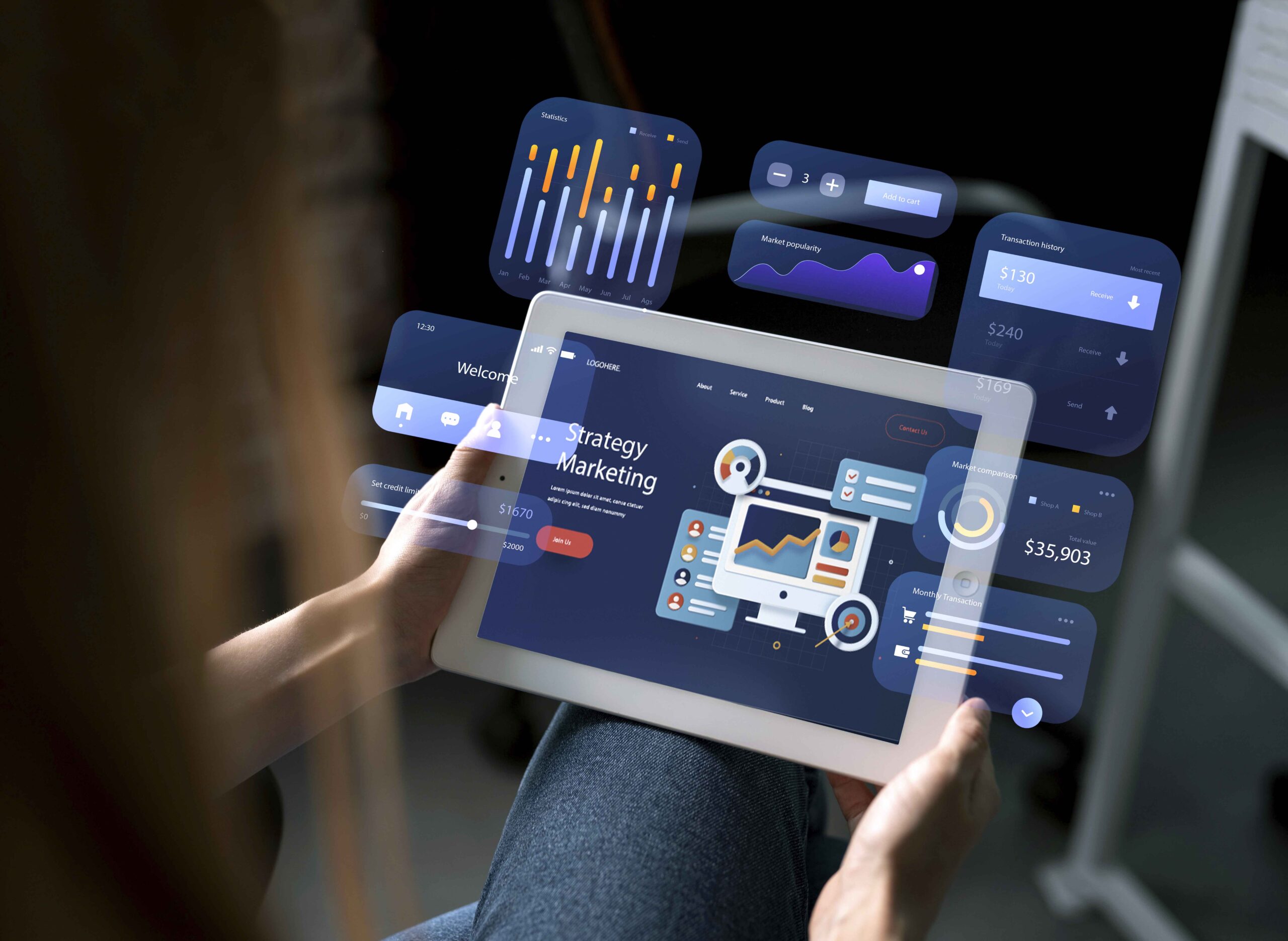
Mobile ERP is your existing ERP system, accessed from a smartphone or tablet instead of a desktop browser. Not a separate lightweight app with a handful of features bolted on, but the same underlying data and workflows, resized for a smaller screen.
That distinction matters more than it sounds like it should. Plenty of “mobile-friendly” software just means the login page loads on your phone. Genuine mobile ERP means you can approve a purchase order, check what’s in stock, or pull up a customer’s history and actually trust the numbers, because it’s reading from the same database everyone else works from.
What you can realistically do from your phone
Not everything, but more than most people expect:
- Approve or reject purchase orders and invoices without waiting to get back to a desk
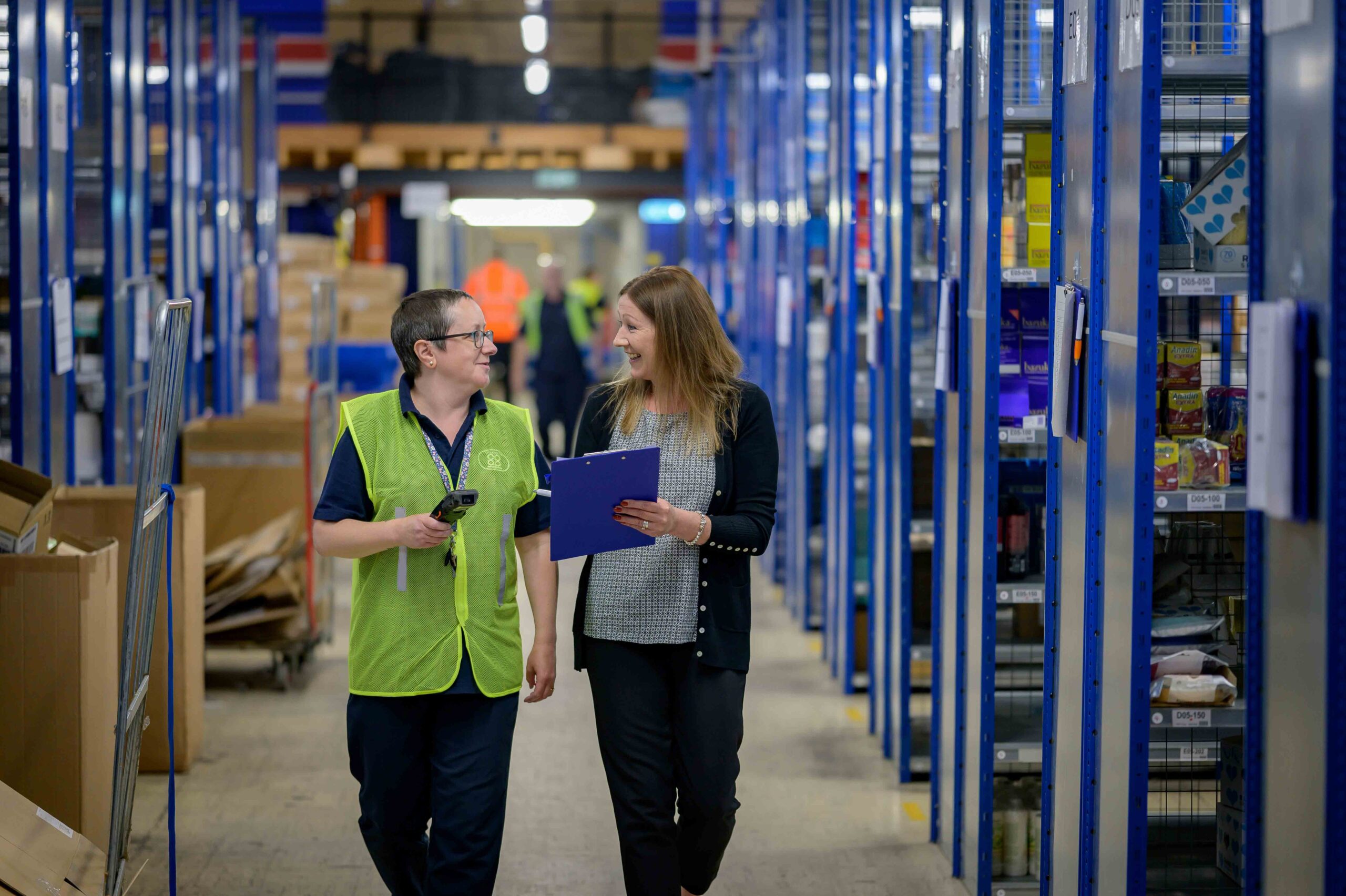
- Check live stock levels across warehouses before promising a customer a delivery date
- Look up a customer’s order history and pricing mid-conversation instead of saying you’ll call back
- Log expenses or timesheets as they happen, rather than reconstructing a week from memory on a Friday
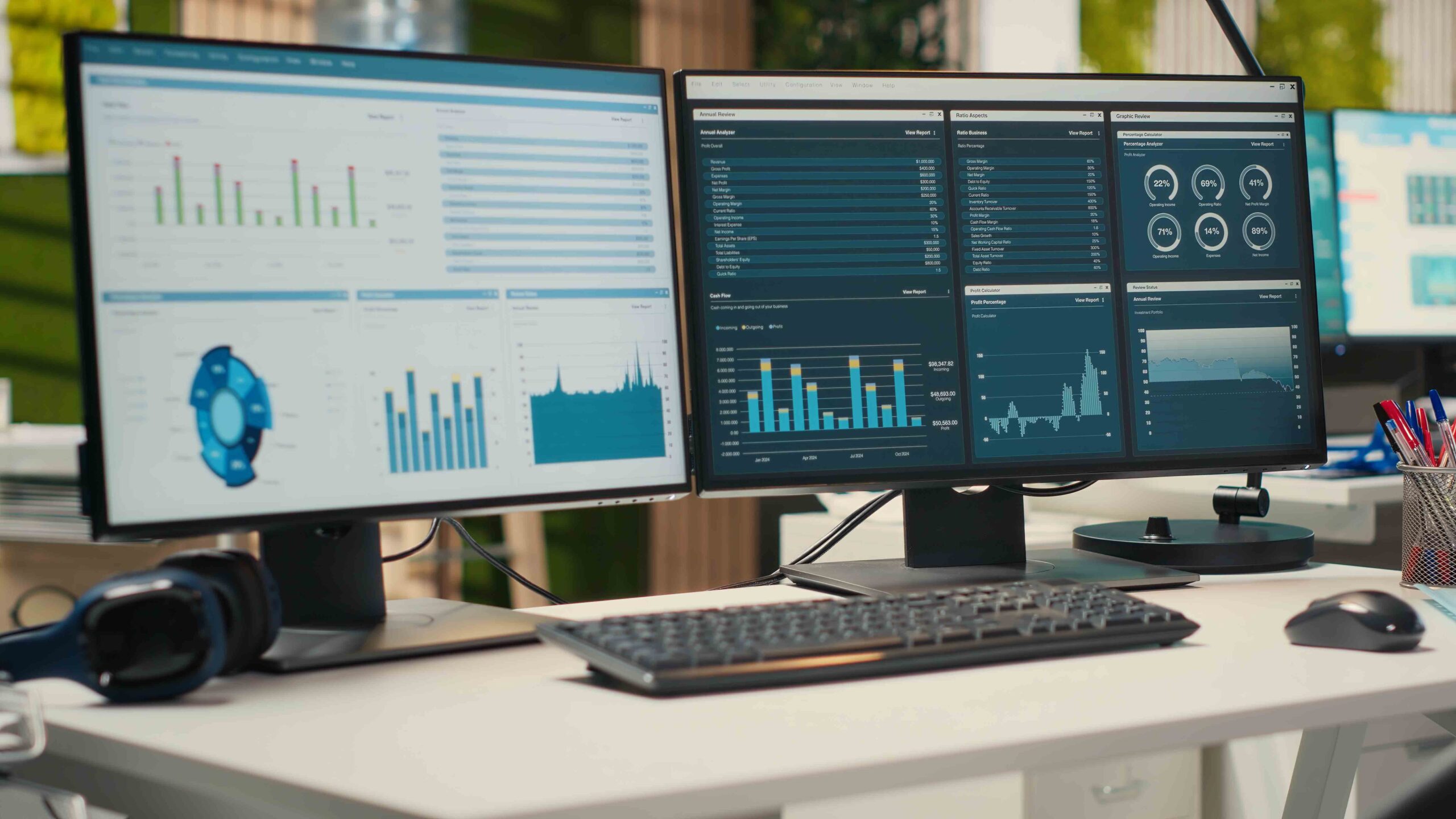
- View dashboards and reports on sales, cash position or production progress without opening a laptop
None of this replaces the desktop entirely. But it closes the gap between something happening and someone finding out about it.
Offline access is the feature people forget to ask about
Signal drops in warehouses, on construction sites, in basements, on the Underground. If your mobile ERP stops working the second connectivity does, it’s really just a browser bookmark with extra steps.
A properly built mobile ERP lets you keep working locally, whether that’s checking a stock figure you pulled up ten minutes ago or logging a delivery confirmation, and then syncs everything back to the central system the moment you’re connected again. It’s worth actually testing this before you commit, not just taking the vendor’s word for it. Turn on flight mode and see what still works.
Where mobile ERP hits its limits
Worth being honest about this rather than pretending mobile can do everything desktop can.
Complex reports with dozens of columns, detailed manufacturing scheduling, or anything involving heavy data entry across multiple fields is still genuinely easier on a bigger screen. That’s not a flaw, it’s just physics: some tasks don’t compress well onto a six-inch display no matter how good the interface is.
The businesses that get the most out of mobile ERP tend to accept this rather than fight it. Approvals, lookups and quick updates live on the phone. Planning, detailed configuration and heavy reporting stay on a laptop. Trying to force everything onto mobile usually just makes the mobile app cluttered and the desktop underused.
Before you commit, check these
A short list, because this one’s worth getting right before rollout rather than after:
- Role-based access, so a warehouse team member sees stock, not payroll
- Multi-factor authentication, since a lost phone shouldn’t mean exposed business data
- True offline sync, tested with the connection off, not just described in a brochure
- Feature parity on what matters to your team, even if it’s not 100% of the desktop
- A UI built for mobile, not a desktop screen shrunk down and left to scroll sideways
Where Blue Lotus 360 fits in
Blue Lotus 360 gives you mobile access to the same platform your desktop team works from, not a cut-down companion app. Finance, inventory, HR, warehouse and sales sit in one system, so checking stock on your phone shows the same figures your warehouse manager sees on their screen, updated in real time.
For a UK business with staff on multiple sites, in vans, or working remotely part of the week, that consistency matters more than any single feature. A demo is the easiest way to see what actually works on a phone versus what just claims to.
FAQ Section
Is mobile ERP the same as a mobile app for accounting?
No. An accounting app usually only shows financial data. Mobile ERP gives access to whichever parts of the wider system your role covers, which could include inventory, HR, sales and approvals alongside finance.
Does mobile ERP work without an internet connection?
Good mobile ERP does, within limits. It should let you view recently loaded data and complete certain tasks offline, then sync automatically once you’re back online. Always test this rather than assume it.
Is it safe to run ERP on a personal phone?
It can be, with the right controls: multi-factor authentication, role-based permissions, and the ability to remotely wipe access if a device is lost. Ask specifically how these are handled before rolling it out.
Can every ERP function be done from a phone?
No, and that’s normal. Approvals, lookups and quick updates translate well to mobile. Detailed configuration, complex reporting and heavy data entry are usually still better suited to a desktop.